
Last Updated April 2026
Last week, one of my students, who is 10, asked me if ChatGPT could start a business for her.
I told her it could help with research, writing drafts, and even brainstorming names. But it wouldn’t take the risk. It wouldn’t knock on doors. It wouldn’t stand up in front of people and pitch an idea it believed in.
She thought about it for a second and said, “Then what’s the point?”
That question, that exact question, is why I teach what I teach. Because AI is an extraordinary tool. But a tool without a person who knows how to think, communicate, and take initiative is just software sitting on a shelf.
I’m a dad. I’m also an entrepreneur who’s built companies used by over a million people. And for the past few years, I’ve been teaching kids ages 8–12 how to understand AI, build real business ideas, and speak with confidence through my classes at Livingston Global Academy. So when I say you can teach your kid AI skills at home, even if you’ve never written a line of code, I mean it. This guide will show you how and I’ve used it with my son, who is 8.
What AI Skills for Kids Actually Means
AI skills for kids are a combination of three things: conceptual understanding (what AI is and how it learns), practical fluency (using AI tools effectively and critically), and creative application (using AI to build something, solve a problem, or bring an idea to life). These three layers develop progressively, starting with curiosity and play around age 8, and moving toward real projects and independent thinking by 11 or 12.
This isn’t about making your kid memorize definitions or sit through lectures on machine learning. It’s about raising a child who gets how the technology around them actually works, and who knows the difference between using it and being used by it.
When your kid understands that a social media algorithm is designed to keep them scrolling, and why, they don’t just become a smarter tech user. They become a harder person to manipulate. That’s not a career skill. That’s a life skill.
Why This Matters More Than Most Parents Realize
The World Economic Forum’s Future of Jobs Report estimated that 65% of children entering primary school would end up in job categories that don’t exist yet. That report came out in 2016. We’re now living in the world it was warning about.
UNICEF has since made AI literacy a global priority. Their Guidance on AI and Children (updated December 2025) recommends that parents focus on building AI literacy, critical evaluation skills, and healthy boundaries with AI systems, starting young. Their research found that 39% of elementary-age children in the U.S. already interact with AI-powered educational tools. The question isn’t whether your child will encounter AI. It’s whether they’ll understand what they’re encountering.
Twenty years ago, parents who made sure their kids could type and navigate a computer gave them a genuine edge. Today, that edge belongs to the kids who understand the systems behind the screen.
Where to Start: An Age-by-Age Approach
Ages 8–10: Make It Tangible
Kids this age are concrete thinkers. Abstract explanations bounce right off them. What works is showing them AI doing something surprising, and then asking the right question.
Try this: The Recommendation Experiment. Next time you’re watching something together, pause and ask: “Why do you think it recommended this show?” Let them guess. Then explain: there’s a program that watched what millions of people chose after this exact show, and it’s using those patterns to guess what you’ll want next. That’s machine learning, explained in 30 seconds, no jargon required.
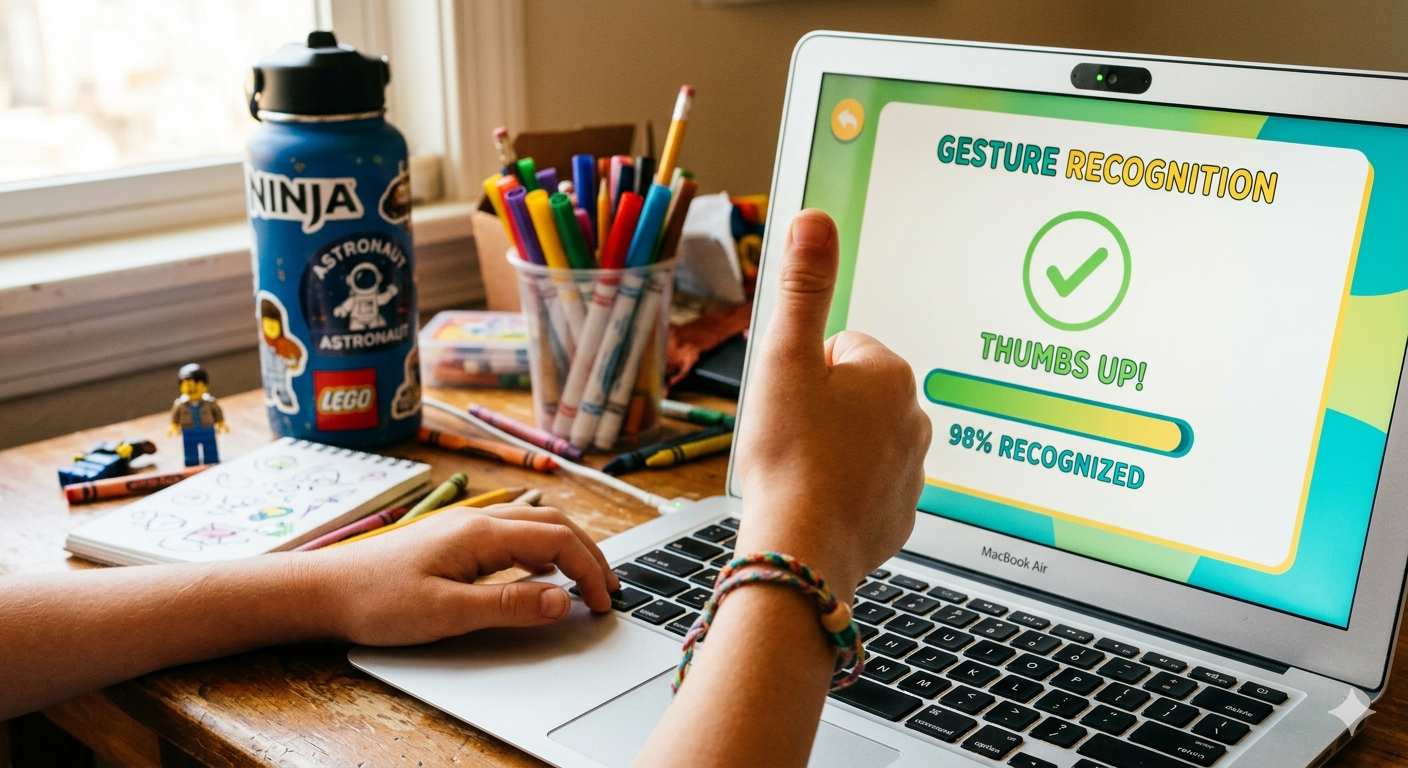
Try this: Train Your First AI. Google’s Teachable Machine is free and requires zero coding. Your child can train an AI to recognize hand gestures — thumbs up, thumbs down, peace sign. When it gets one wrong, ask: “Why do you think it made a mistake?” That conversation will teach them more about how AI learns than any textbook chapter.
The key concept to plant at this stage: AI learns from examples. The more examples you give it, the better it gets, but it only knows what it’s been shown. If you only show it pictures of golden retrievers, it’s going to have a hard time recognizing a poodle.
Ages 11–12: From Playing With AI to Building With It
This is where it gets exciting. Older kids are ready to move from curiosity to creation, and this is where AI skills start connecting to real-world thinking.
Spot the Bias. Have your child ask the same question to two different AI tools (ChatGPT and Gemini, for example) and compare the answers. Are they identical? Different? Which one seems more trustworthy, and why? This builds the single most important AI skill of the next decade: critical evaluation. Not taking the first answer at face value.
Solve a Real Problem. Give them this challenge: pick one problem at school, at home, or in the neighborhood. Now design an AI solution. They don’t need to build it, just think it through. What data would the AI need? Who would use it? Could it accidentally cause harm? This is exactly the kind of thinking engineers, product managers, and founders do every day.
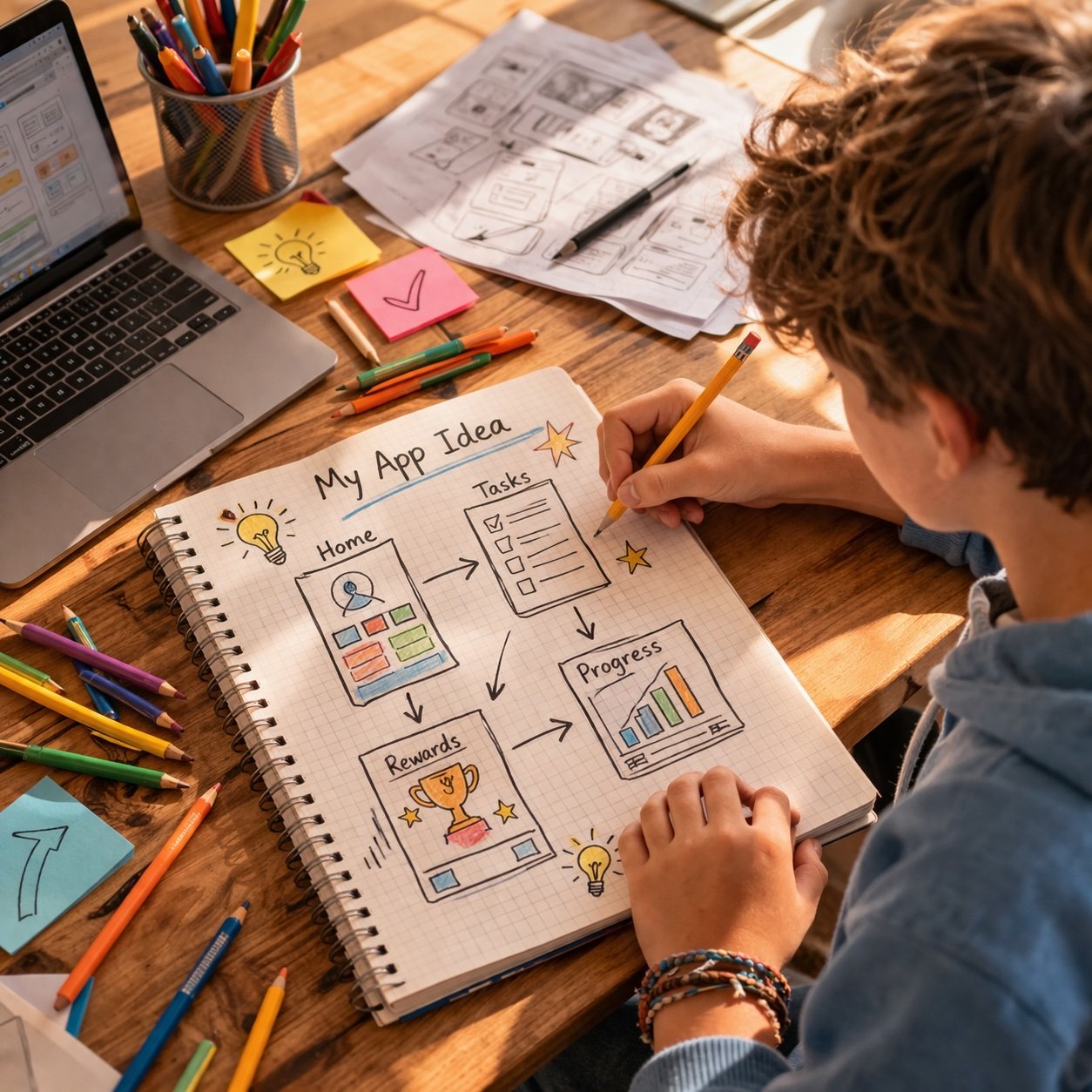
AI + Business Idea. Have them choose a hobby or interest and brainstorm a product that uses AI. A plant-care app that uses image recognition to diagnose sick leaves. A quiz tool that adapts to what you get wrong. The idea doesn’t need to be original. The thinking process is the skill. This is what we do in our AI + Entrepreneurship classes at Livingston Global Academy: kids come in with a problem, and they leave with a pitch.
Free AI Tools for Kids (Tested and Age-Appropriate)
You don’t need to spend money to start. Here are the platforms I actually recommend to parents:
| Tool | Best Age Range | What Kids Learn |
|---|---|---|
| Google Teachable Machine | 8–12 | How AI learns from examples (image and sound recognition) |
| Scratch + AI Extensions | 8–10 | Visual programming with AI building blocks |
| Quick, Draw! | 8+ | How AI recognizes patterns in drawings |
| AI for Oceans (Code.org) | 10+ | Machine learning through an interactive game |
| ChatGPT or Gemini (with a parent present) | 11–12 | Prompt engineering and critical evaluation |
One tip: sit with your child the first time they use any new tool. Not to supervise, to be curious alongside them. Ask “What do you think will happen if we change this?” Your interest is contagious. It permits them to experiment.
A Weekly Routine That Won’t Burn You Out
The biggest mistake parents make is trying to turn this into a curriculum. They go hard for two weeks, then life gets in the way, and it stops completely. Don’t do that. Consistency matters more than intensity here.
Here’s what actually works:
Once a week (30–45 minutes): One hands-on activity. Use a tool from the list above, or try a real-world experiment like the recommendation exercise.
Daily (5 minutes, no screen needed): Spot AI in the wild. In an app, on TV, in the news. Just name it. “That was AI deciding what to show us.” That’s it.
Once a month: Let your child teach you something they’ve learned. Teaching is the deepest form of learning, and it also builds the communication confidence that makes every other skill stick.
Less than an hour a week of focused attention can build a foundation in a year or two that most adults don’t have. That’s not hype. I’ve watched it happen with my own students.

The Skill That Multiplies Everything Else
Here’s something I’ve learned from teaching hundreds of kids: AI skills alone aren’t enough.
Teaching a child to use AI is like handing them a power tool. Entrepreneurship thinking is what teaches them to look at the world and ask, “What could I build with this?” It’s the difference between a user and a creator.
And communication, real communication, the kind where you stand up and explain your idea to a room full of people, that’s what makes the idea travel. In a world where AI can write code, crunch data, and draft emails, the ability to persuade, to tell a story, to connect with another human being? That’s not a soft skill anymore. It’s a superpower.
The kids who combine AI literacy with entrepreneurship thinking and real communication skills won’t just understand the future. They’ll have a hand in building it. That’s the reason Livingston Global Academy teaches all three under one roof, because separately they’re useful, but together they compound.
What Progress Actually Looks Like
Don’t expect a straight line. Here’s a realistic picture of what happens over time:
Months 1–3: Familiarization. Exploring tools, watching how AI shows up in daily life, and building curiosity. This phase feels slow. It’s not, it’s foundational.
Months 4–9: Exploration. First small projects. Your child starts noticing AI on their own, unprompted. They start asking better questions.
Year 1–2: Building. Original ideas, mixing AI with creative or business thinking. They stop seeing AI as magic and start seeing it as material.
Every kid moves at their own speed. The goal isn’t to rush. It’s to build a growth mindset, the deep belief that they can understand and shape the technology around them, not just consume it.
Start This Week
You don’t need a curriculum. You don’t need special equipment. You need 30 minutes and a willingness not to have all the answers.
This week, open Google Teachable Machine together. Train it to recognize something ridiculous, your dog, a coffee mug, or your child’s different facial expressions. Watch it learn. Watch it fail. Ask why it failed. That single conversation is the seed of something real.
And if you want to take it further, if you want your child learning AI skills, entrepreneurship, and public speaking in a structured, live environment with a real entrepreneur on the other end of the screen, that’s exactly what we built Livingston Global Academy to do.
Frequently Asked Questions
What is the best age to start teaching kids about AI?
Can I teach my child AI skills if I’m not technical? Absolutely. The most effective early AI activities are conversation-based: noticing AI in everyday life, asking questions about how it works, and using free no-code tools together. You don’t need a tech background — you just need curiosity.
What free AI tools are safe for kids to use? Google Teachable Machine, Scratch with AI extensions, Quick Draw, and Code.org’s AI for Oceans are all designed for educational use and appropriate for children. For older kids (11+), tools like ChatGPT or Gemini work well with a parent present to guide the experience.
How is AI literacy different from learning to code? Coding teaches children to write instructions for computers. AI literacy teaches them to work with systems that learn on their own — a broader, more strategic skill. Think of coding as learning to drive a car. AI literacy is understanding how the entire transportation system works, and where it’s headed.
How much screen time does learning AI require? Less than you’d expect. Many of the most valuable AI activities are offline: discussions about how algorithms work, observation exercises, designing solutions on paper. A well-structured weekly routine uses 30–45 minutes of screen time, with the rest being conversation and real-world noticing.
What’s the connection between AI skills and entrepreneurship for kids? AI skills give children the ability to use powerful tools. Entrepreneurship thinking gives them the judgment to decide what’s worth building. Together, they create a child who doesn’t just understand technology — they know how to apply it to real problems, pitch their ideas, and take initiative. That combination is rare and increasingly valuable
Children as young as 8 can start with play-based, hands-on activities like Google Teachable Machine or Quick, Draw! More structured AI learning, including prompt engineering and critical evaluation of AI outputs, works well from age 10 onward.
Absolutely. The most effective early AI activities are conversation-based: noticing AI in everyday life, asking questions about how it works, and using free no-code tools together. You don’t need a tech background, you just need curiosity.
Google Teachable Machine, Scratch with AI extensions, Quick Draw, and Code.org’s AI for Oceans are all designed for educational use and appropriate for children. For older kids (11+), tools like ChatGPT or Gemini work well with a parent present to guide the experience.
Coding teaches children to write instructions for computers. AI literacy teaches them to work with systems that learn on their own — a broader, more strategic skill. Think of coding as learning to drive a car. AI literacy is understanding how the entire transportation system works, and where it’s headed.
Less than you’d expect. Many of the most valuable AI activities are offline: discussions about how algorithms work, observation exercises, designing solutions on paper. A well-structured weekly routine uses 30–45 minutes of screen time, with the rest being conversation and real-world noticing.
AI skills give children the ability to use powerful tools. Entrepreneurship thinking gives them the judgment to decide what’s worth building. Together, they create a child who doesn’t just understand technology — they know how to apply it to real problems, pitch their ideas, and take initiative. That combination is rare and increasingly valuable.