
My son once spent an entire Saturday afternoon training an AI to tell the difference between our dog and a pillow. He got it wrong more times than right. Watching my eight-year-old argue with a machine about what a dog looks like was the moment I realized: this is how kids should meet AI. Not by typing prompts into a chatbot. By building something, breaking it, and figuring out why. It’s what worked for me.
The problem is that most parents don’t know where to start. You hear “AI for kids” and picture either a dumbed-down chatbot or something way too advanced or something unsafe. The reality in 2026 is much better than either of those. There are genuinely excellent tools out there that are free, safe, and built for actual learning.
But there’s a catch I need to be upfront about: no tool replaces a real person guiding your child through this stuff. Tools are practice. Mentorship is where confidence gets built. I’ll come back to that.
Here’s what I look for before recommending anything to families:
- Real safety guardrails — content filters that actually work, not just a disclaimer buried in the terms of service
- Privacy that respects your kid — COPPA compliance (US) or GDPR-K (Europe), clear data policies, no shady data harvesting
- Teaches thinking, not tricks — the tool should make your child understand something about AI, not just play with a shiny interface
- Transparent about what’s happening — kids should see how the AI learns, not just get a magic answer
Everything below meets that bar.
Free AI Tools Worth Your Kid’s Time
1. Google Teachable Machine
Ages: 8–14 | Price: Free | teachablemachine.withgoogle.com
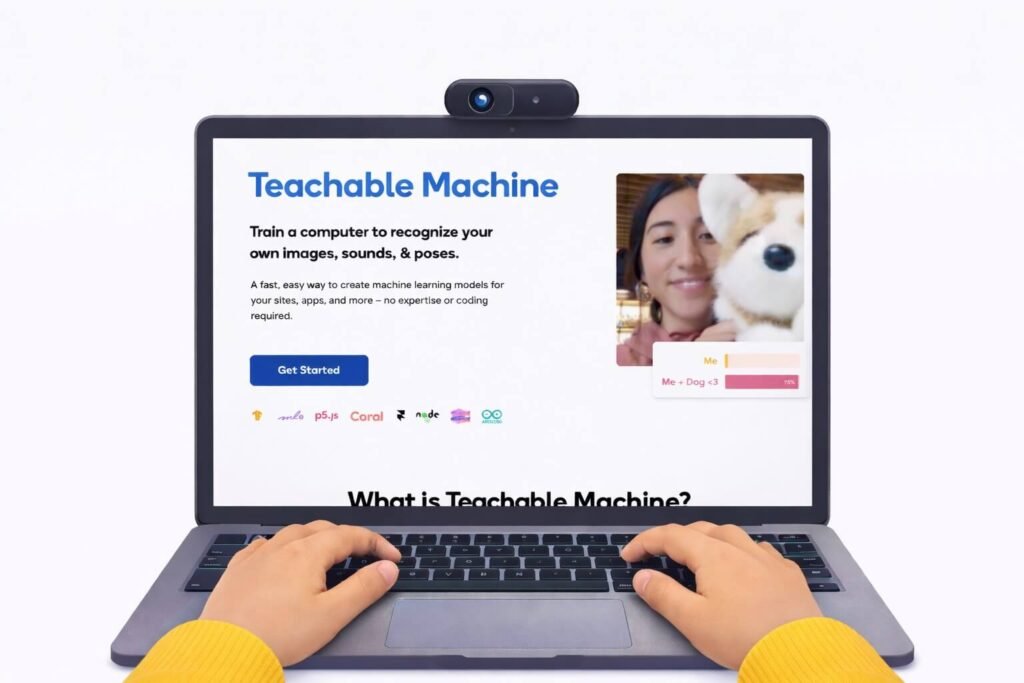
This is the one I recommend first to almost every parent, and here’s why: your kid trains their own AI model. Not someone else’s. Theirs.
They point a webcam at objects around the house, label them, hit “train,” and watch the AI try to classify new things it hasn’t seen. It works with images, sounds, and even body poses. No code. No account required.
What makes it click for kids is the failure. The AI will get things wrong, especially at first. And that’s the whole lesson, your child starts asking, “why did it think my shoe was a banana?” which leads straight into how training data works, what bias looks like, and why more examples produce better results.
Turn your living room into an AI lab. Seriously. This is the tool that does it.
2. AI for Oceans (Code.org)
Ages: 9–13 | Price: Free | code.org/oceans
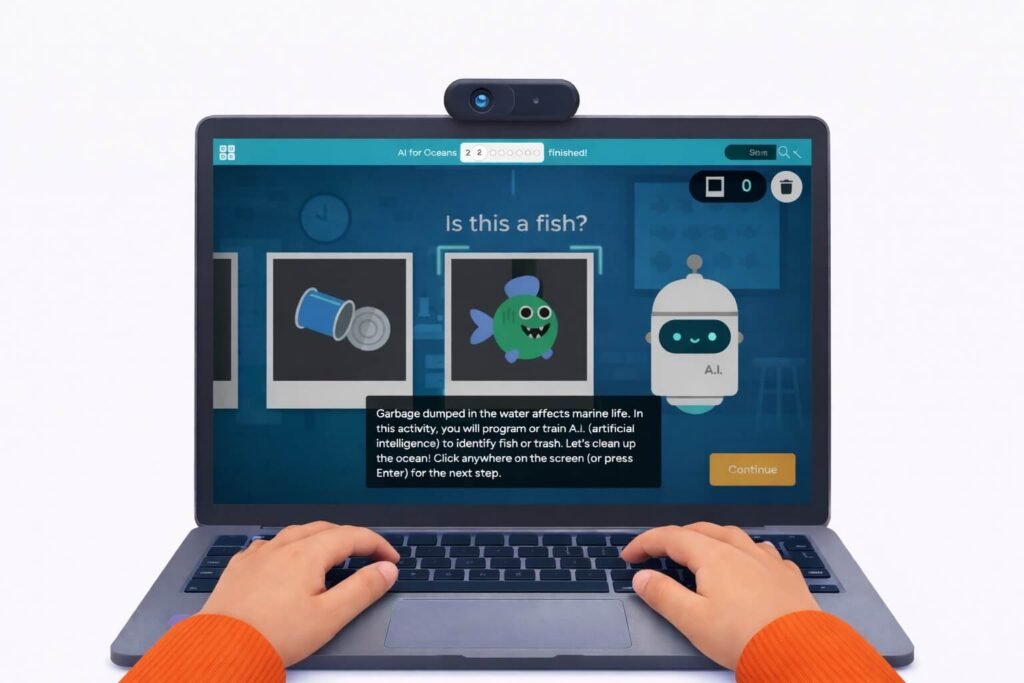
Your kid trains an AI to sort fish from trash in the ocean. Simple concept. But what Code.org does brilliantly is let the lesson sneak up on them.
At first, it’s easy; the AI learns to separate obvious things. Then the data gets messier. Ambiguous objects. Edge cases. And suddenly your child is having a real conversation about what happens when training data is incomplete or biased.
This is part of Code.org’s broader computer science curriculum used in schools worldwide, so the quality is battle-tested. It’s also a natural gateway conversation for kids: not just “what can AI do?” but “what happens when we build it carelessly?”
If your child finishes this and starts questioning how recommendation algorithms work on YouTube or TikTok then mission accomplished!
3. Quick, Draw! by Google
Ages: 6–12 | Price: Free | quickdraw.withgoogle.com
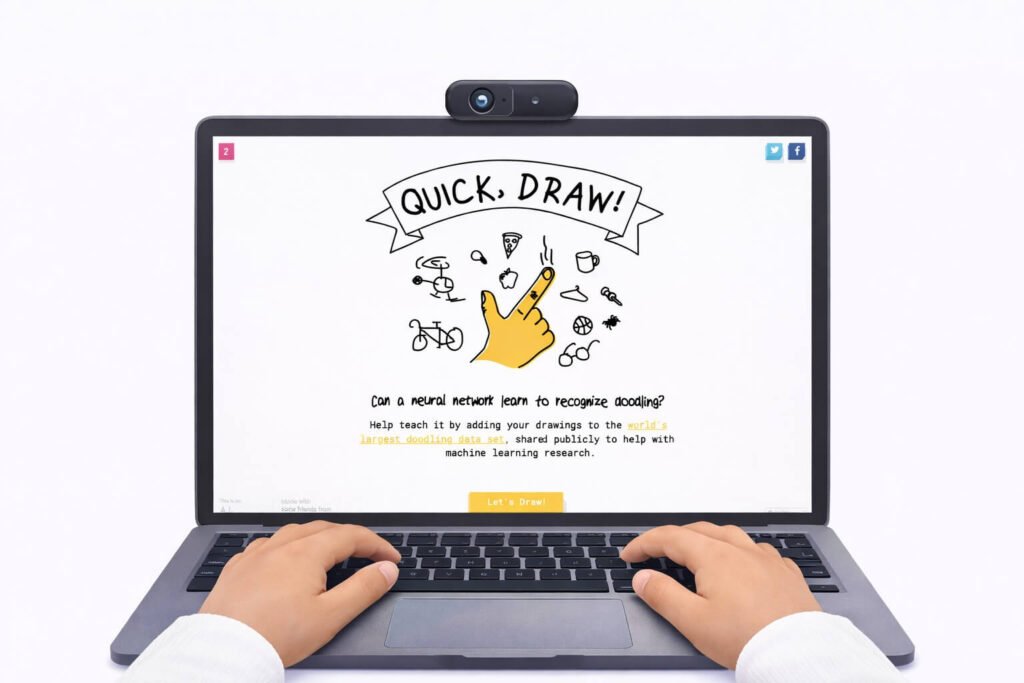
The lightest lift on this list. Your kid draws something. The AI guesses what it is in 20 seconds. That’s it. Very cool.
But here’s why it belongs here: the first time a child draws a bicycle, and the AI nails it in 3 seconds, they always ask the same question, “How did it know that?” That question is the door. Behind it is a dataset of millions of drawings from people around the world, and a pattern-recognition system that learned from all of them.
You don’t have to explain neural networks to a nine-year-old. You just have to let them ask the question.
Use this as a warm-up. Five minutes before a class, ten minutes on a rainy afternoon. It’s low-commitment and surprisingly sticky.
4. Scratch with AI Extensions
Ages: 8–13 | Price: Free | scratch.mit.edu
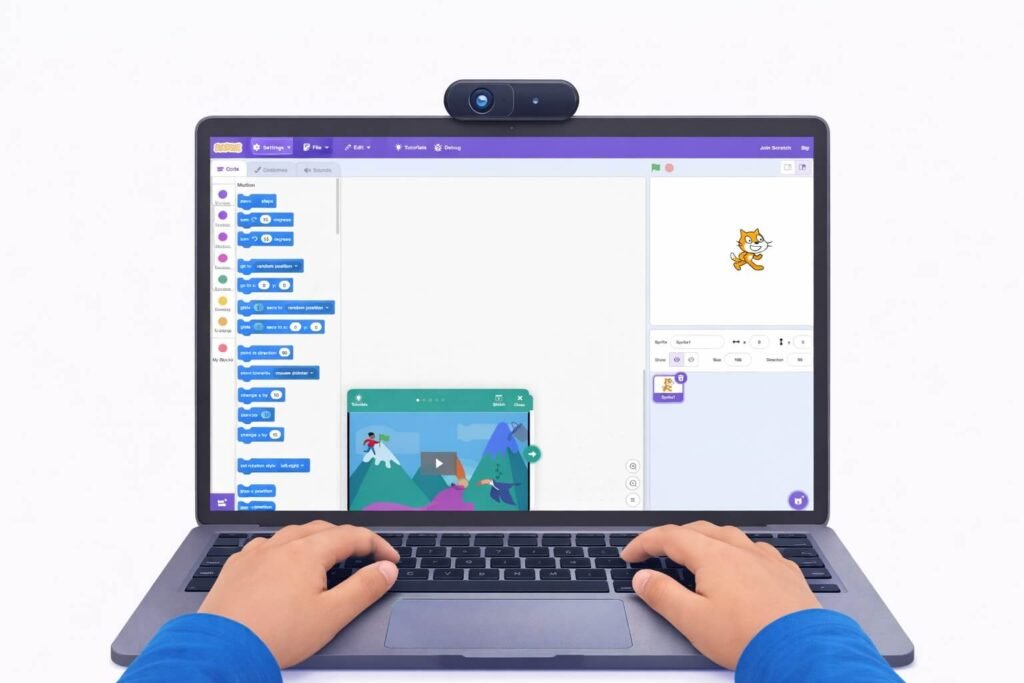
Scratch has been the go-to visual coding platform for kids since MIT created it. My son loves to build on Scratch. What’s changed in 2026 is the growing library of AI extensions, machine-learning blocks, pose detection, and image classification that let kids build projects where the code actually responds intelligently to input.
A kid can build a game where the character moves based on their body position. Or a story that changes based on what the camera sees. They’re not just coding anymore; they’re coding with AI as a building block.
For kids who are already comfortable with Scratch basics, this is the natural next step. And for entrepreneurship-minded kids, it’s a sandbox for prototyping ideas. “What if my app could recognize when someone smiles?” They can test that in Scratch before they can spell “computer vision.”
5. ChatGPT (Supervised, for Older Kids)
Ages: 12–14 (with a parent in the room) | Price: Free tier available | chat.openai.com
I almost didn’t include this because the conversation around ChatGPT and kids is so loaded. But ignoring it doesn’t make it go away; your child’s classmates are already using it.
Used intentionally, with supervision, it’s actually a solid thinking tool for older kids. The key is how you use it:
- Not as a homework machine. As a brainstorming partner. “I’m stuck on a science fair topic” is a fine prompt. “Write my essay” is not.
- As a prompt-engineering exercise. Ask the same question three different ways. Compare the answers. Why did the AI give you something different each time?
- As a fact-checking lesson. Read an answer together. Then ask: “How would we verify this? What might be wrong?” This is one of the most important habits your kid can develop right now.
Keep the account in your name. Set ground rules before the first session. Sit with them. This isn’t a “set it and forget it” tool for a twelve-year-old, it’s a guided conversation that happens to involve AI.
Note: OpenAI’s age requirements have shifted over time. Verify their current terms before setting up access.

Structured Platforms That Go Deeper
The tools above are great for exploration. These platforms offer something more organized ongoing curriculum your child can work through at their own pace, ideally alongside live instruction that gives context and feedback.
6. Khanmigo (Khan Academy’s AI Tutor)
Ages: 10–14 | Price: $4/month for families (covers up to 10 kids) | khanmigo.ai
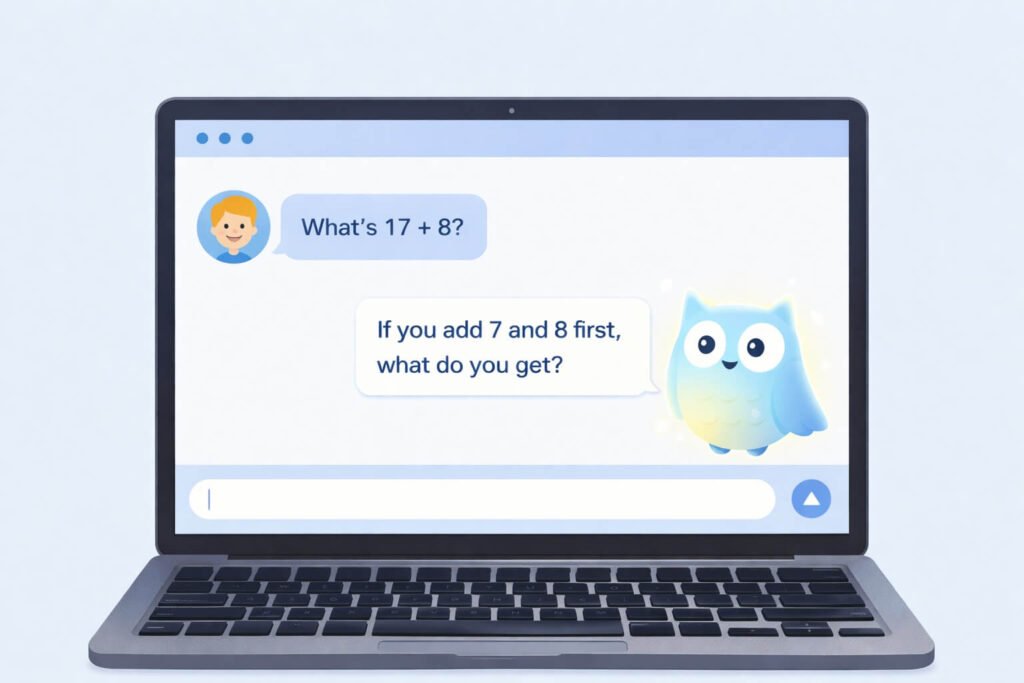
Khanmigo is the anti-ChatGPT. Where most chatbots hand over the answer, Khanmigo asks your child a question back. “That’s a great start — what do you think the next step is?” It’s Socratic tutoring built into Khan Academy’s massive content library.
This matters because the habit most kids develop with AI is asking for answers. Khanmigo builds the opposite habit: working through problems with a nudge instead of a shortcut.
Parents can see chat history and get alerts for flagged content. Common Sense Media gave it 4 stars, higher than ChatGPT or Bard, specifically for its safety, transparency, and educational design.
At $4/month with coverage for the whole family, the value is hard to argue with. It won’t teach your kid about AI itself; it uses AI to teach them other subjects better. Think of it as the 24/7 homework partner that’s actually trying to make your child smarter, not lazier.
7. Canva for Education (AI Features)
Ages: 9–15 | Price: Free for K–12 students and educators | canva.com/education
Canva added AI writing and image-generation tools to its education platform, and for kids with entrepreneurial instincts, this is where ideas become real.
Does your child have a business concept? They can design a pitch deck. A logo. Social media graphics. A flyer. All with AI-assisted tools that handle the design heavy lifting while the kid focuses on what they’re actually trying to say.
This isn’t an AI-learning tool in the traditional sense. It’s an AI-powered creation tool, and for kids who are building projects, presenting ideas, or learning to communicate visually, it fills a gap that pure coding or AI-training tools don’t touch.
Quick Comparison
| Tool | Ages | Price | Best For | Coding Required? |
|---|---|---|---|---|
| Google Teachable Machine | 8–14 | Free | Hands-on ML training | No |
| AI for Oceans | 9–13 | Free | AI ethics & bias | No |
| Quick, Draw! | 6–12 | Free | Pattern recognition intro | No |
| Scratch + AI Extensions | 8–13 | Free | Creative AI projects | Visual blocks |
| ChatGPT (supervised) | 12–14 | Free tier | Critical thinking & prompts | No |
| Khanmigo | 10–14 | $4/mo | Subject tutoring via AI | No |
| Canva for Education | 9–15 | Free | Visual communication | No |
Where Tools Stop and Teaching Starts
Here’s the thing I keep coming back to as both a father and an educator: every tool on this list is excellent at what it does. None of them can do what a live teacher does.
A tool can show your child how an AI classifies images. It can’t ask your child to stand up and explain why that matters to a room full of peers. A tool can help your kid brainstorm a business idea. It can’t push back on weak thinking, or celebrate the moment they crack a hard problem, or help them recover when a pitch falls flat.
That’s what we focus on at Livingston Global Academy. Kids come in knowing how to use tools like these. We help them think like builders, combining AI literacy, business thinking, and the confidence to stand up and communicate what they’ve made. The tools are the practice reps. The live environment is where it becomes real.
A Simple Start for Parents
If you’re not sure where to begin, try this:
This week: Sit down with your kid and play Quick, Draw! for ten minutes. Then open AI for Oceans and let them run through it. Don’t teach — just watch what questions they ask.
Next week: Open Google Teachable Machine and let your child choose what to train the AI on. Pets, snacks, facial expressions, whatever they want. The messier, the better. Mess is where learning lives.
For older kids (12+): Try a supervised ChatGPT session. Pick a question your child is genuinely curious about — not homework, something real. Ask it together. Then pick apart the answer. What’s useful? What’s vague? What’s probably wrong?
When they’re ready for more: Consider a structured program where someone’s actually guiding them through all of this with feedback, accountability, and other kids to collaborate with. That’s what we built Livingston Global Academy to be.
Frequently Asked Questions
Every tool on this list was either designed specifically for children or is widely used in K–12 classrooms. Google Teachable Machine doesn’t even require an account. Khanmigo is COPPA-compliant and earned a 4-star safety rating from Common Sense Media. Code.org has been vetted by tens of thousands of schools. That said, no tool replaces a parent paying attention. Review privacy settings, supervise younger kids, and check terms of service before handing over access.
No. Five of the seven tools on this list require zero coding. Scratch uses visual drag-and-drop blocks, which most kids pick up in minutes. The whole point of these tools is accessibility, if your child can use a tablet, they can start learning AI.
Thirty to sixty minutes a week of intentional, guided use goes a long way, especially when you pair it with conversation about what they’re seeing. This isn’t passive screen time. It’s active problem-solving. The “guided” part matters more than the number of minutes.
They can supplement one. They can’t replace one. AI tools are exceptional at delivering content, adapting to pace, and providing practice. They cannot mentor, challenge assumptions, build presentation skills, or create the social dynamic that makes kids push themselves. The research on this is consistent: the combination of self-directed tools and live human instruction produces better outcomes than either one alone.
Last updated: April 2026